Applicant Tracking System for a Small Business: What the Spreadsheet Was Doing That the Tool Must Keep.

A small business that hires a dozen people a year usually runs recruiting on a spreadsheet. Candidates in rows, a column for the stage, a column for notes, a few tabs for the open roles. It is untidy and it works, which is why it survives long past the point when somebody says it is time for a proper tool.
When the day comes, the buying process looks like any software purchase: a feature grid, three demos, a price comparison. Six months after the tool goes in, the spreadsheet is back, kept on the side by the hiring manager who says the system is slow. The tool was fine. It replaced the list and none of the jobs the list was doing.
One shared view. The spreadsheet is a single page where the owner, the hiring manager and the person doing interviews can all see every candidate for a role and where each one stands. Nobody asked for this. It came free with the format. A tool that puts candidates behind per-role permissions, or makes each interviewer see only their own, has removed it.
A place for the awkward note. A free-text cell where someone writes "great, but ask about the gap in 2024" or "referred by the CFO's neighbour, handle with care". Tools prefer structured fields: scorecards, ratings, tags. They are better for comparison, and they lose the sentence that would have made the interviewer prepared. If notes in the tool are one click deeper than in the sheet, they stop being written.
Memory of people who were not hired. The sheet keeps every candidate you ever spoke to, searchable by Ctrl-F. It is a talent pool by accident. In six months a role opens and somebody says that a good designer applied in March. A tool with a clean import and a search across closed roles keeps this job. A tool that archives rejected candidates out of sight loses it.
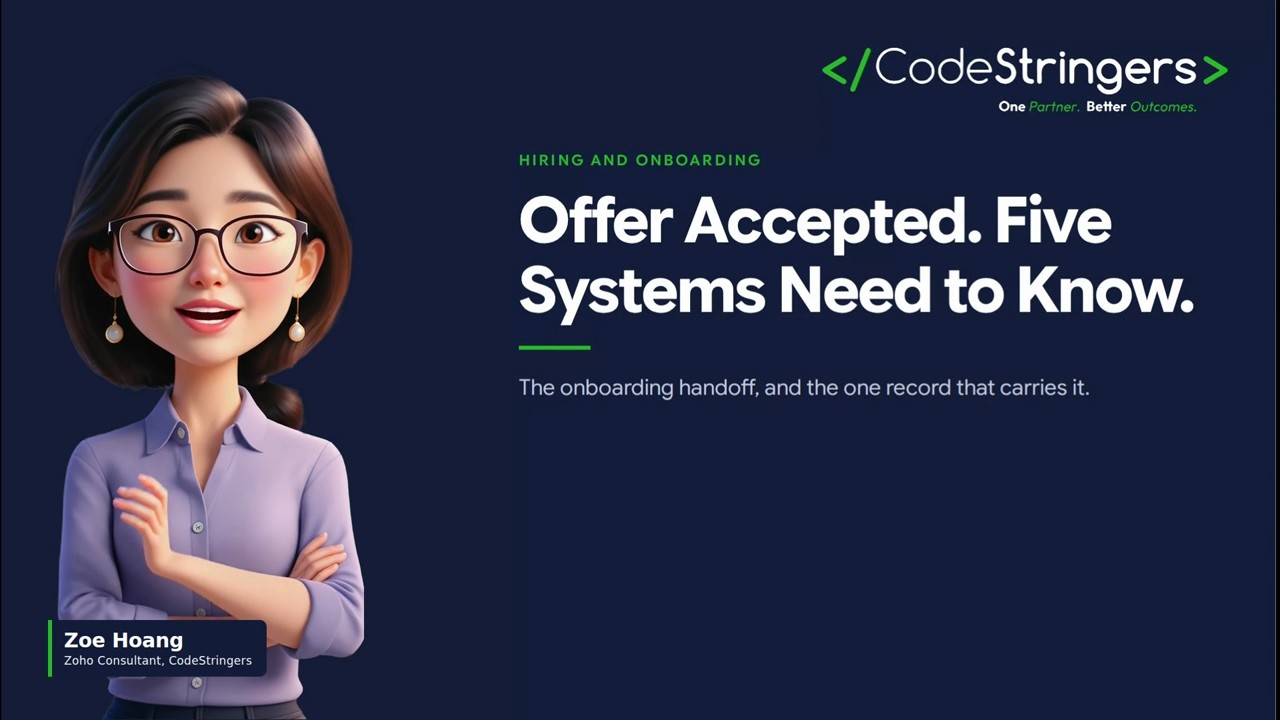
The signal that a hire has happened. When the stage column says "offer accepted", somebody in the business notices: the person who sets up laptops, the person who adds a new employee to payroll, the manager who needs a desk. The sheet does this through people, who happen to look at it. A tool that records the same fact in a status and tells nobody has made the handoff weaker. We described what has to happen at that moment in employee onboarding on a spreadsheet, and the video Offer Accepted. Five Systems Need to Know. shows the five systems.
A named owner. The spreadsheet has someone who tidies it, usually the office manager or the person who started it. They know what each column means and chase stale rows. A tool has an administrator in the vendor's documentation and nobody in the building. If no one is given the owner's job, the tool decays in the same way and without the owner's habits to hold it up.
A switch fails when the new thing is better at what the buyer wanted and worse at what the buyer did not know they had. The sales demo shows the structured pipeline, the scheduling integration and the offer letter template. It does not show that the hiring manager can no longer see everyone at once, that the notes are harder to write, or that rejected candidates vanish.
The result is a quiet defection. The hiring manager starts a side list. The recruiter keeps notes in a document. The tool holds the official record and the real conversation happens elsewhere, which means the tool is paid for and the process is worse than before.
There is a simple way to avoid it, and it is better than the feature grid. Take the last three people you hired and walk each through the candidate tool, with real data, in a trial.
Ask five questions of each run. Can the hiring manager see every candidate for the role on one screen without asking for access? Can the interviewer's awkward note be written in under ten seconds and found again? Can a candidate from an earlier closed role be found by name or skill? When the offer is accepted, who is told, how, and what do they have to do? And who is the named owner of the tool, and what does their week look like?
A tool that answers all five with a concrete screen is worth a serious look. A tool that answers some with "you can configure that" is asking you to do the work of making it behave like the spreadsheet, which may be fine but should be priced into the decision.
None of this means the spreadsheet should stay. It means the move should be designed. The spreadsheet really does fail at some things: it cannot enforce a stage order, it cannot send the candidate an update, it cannot show how long candidates wait between stages, and it breaks as soon as two people edit it together. We covered the exact point in applicant tracking on a spreadsheet: the handoffs, not the headcount, are the trigger.
The design aim is to keep the five quiet jobs and add the things the sheet cannot do. A tool that keeps one shared view, easy notes, a searchable pool, a handoff on acceptance and a named owner, and that also enforces stages and keeps the candidate informed, is a better spreadsheet.
In the first month after a switch the tool is new, and everyone is generous. The signs of a failing move appear in the second: someone asks for a copy of the candidate list "just to look at", a manager says they have not logged in since the interview, a note appears in an email thread instead of the candidate record. Each is a quiet job coming back to the spreadsheet.
Watch for them and treat each as a defect in the design rather than a discipline problem. If the manager cannot see everyone, change the permissions. If notes are slow, move the note field to the top. If a person asks for a list, find out which of the five jobs the list was serving and fix that. The aim is to make the sanctioned path as easy as the side one.
The move is a small project with a named owner, a date, and a short list of things that must be true at the end: the five jobs, tested on three real hires. Whoever kept the spreadsheet is the best person to lead it, because they know what it does, and they should be given the time.
We run this as part of connecting hiring, onboarding, time and payroll for companies growing from 50 to 200 people. Discovery is no-risk: we list the jobs your spreadsheet does, run your last three hires through the tool you are considering, and tell you what would break, and you pay only if you go ahead. The build carries a guaranteed estimate, so if we estimate low, we absorb the difference.
A hiring tool earns its place by doing what the spreadsheet did and then more. The first half is the part buyers forget to test.
In a no-risk discovery we look at your CRM, finance and operations systems and who owns each part, and show what a connected system would do differently. You pay only if you proceed. Or see how we approach it.
More on the same problem:
"Something isn't working." "We're outgrowing our tools." "We're afraid to make the wrong move." No-Risk Discovery is a short, practical conversation that gets you clarity before you commit to anything big. We'll tell you if we're a fit. If we're not, we'll tell you that too.
Say who you are and ask. A person replies within one business day.